
vs Luna
Lightspan vs Luna Display
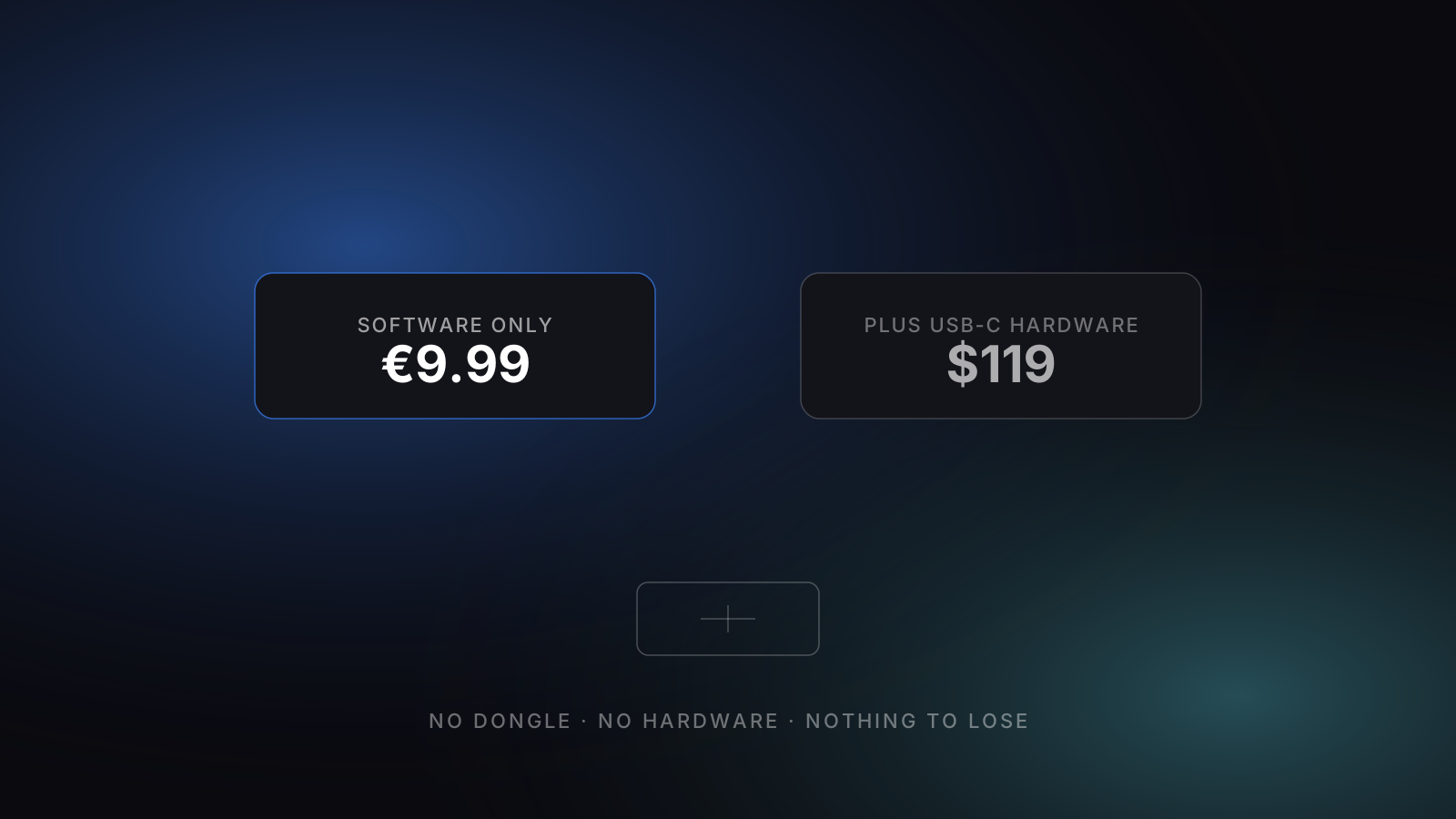
Luna Display works beautifully — but you need a $119 USB-C hardware dongle to do it. Lightspan delivers the same iPad-as-Mac-display experience as a software-only app for €9.99 once.
Side by side
The honest comparison.
Cyan = clear winner on that row. Plain text = roughly tied.
| Feature | Lightspan | Luna Display |
|---|---|---|
| Price | €9.99 one-time | $59 (mDP) / $119 (USB-C) hardware + free app |
| Pricing model | Pay once, owned forever | One-time hardware purchase |
| Connection | Wi-Fi + USB-C cable | Wi-Fi / P2P / USB via dongle |
| Apple ID required? | No | No |
| Latency | 40–60 ms (cable / clean Wi-Fi) | ~16 ms (advertised) |
| Touch support | Yes — display only | Yes |
| Apple Pencil | Display only | Yes |
| Audio forwarding | Yes — AAC, PTS-locked | Yes |
| Multiple iPads | One per Mac | One per dongle |
| Mac-as-display | No | Yes — Mac↔Mac topology |
| Direct download | Mac app (.dmg) | Mac host app + dongle |
| Mac App Store | No (uses CGVirtualDisplay SPI) | Direct download |
| iPadOS minimum | iPadOS 16+ | iOS 12.1+ |
| macOS minimum | macOS 14.2 Sonoma+ | macOS 10.11+ |
| Status | Active, indie support | Active, Astro HQ |
Where Lightspan wins
What Lightspan does better.
- No hardware purchase — €9.99 software vs $119 dongle.
- Works on any Mac and iPad without a dongle compatibility list.
- Pure software cost: nothing to lose, nothing to ship, nothing to misplace.
Where Luna Display wins
Where it’s the better pick.
- Headless Mac support — drives a Mac mini with no monitor attached. Lightspan doesn't.
- Mac-to-Mac topology — drive one Mac from another. Lightspan is iPad-only.
- Hardware dongle means truly plug-and-play first-time setup.
Pick one
Which one's right for you?
If you need to drive a headless Mac mini or you want Mac-to-Mac second-display, Luna's hardware approach is genuinely better. If you have an iPad and a Mac with a screen, save the $109 and choose Lightspan.
See also:
Lightspan still right for you?
€9.99 once on the App Store.