
Lightspan vs Deskreen
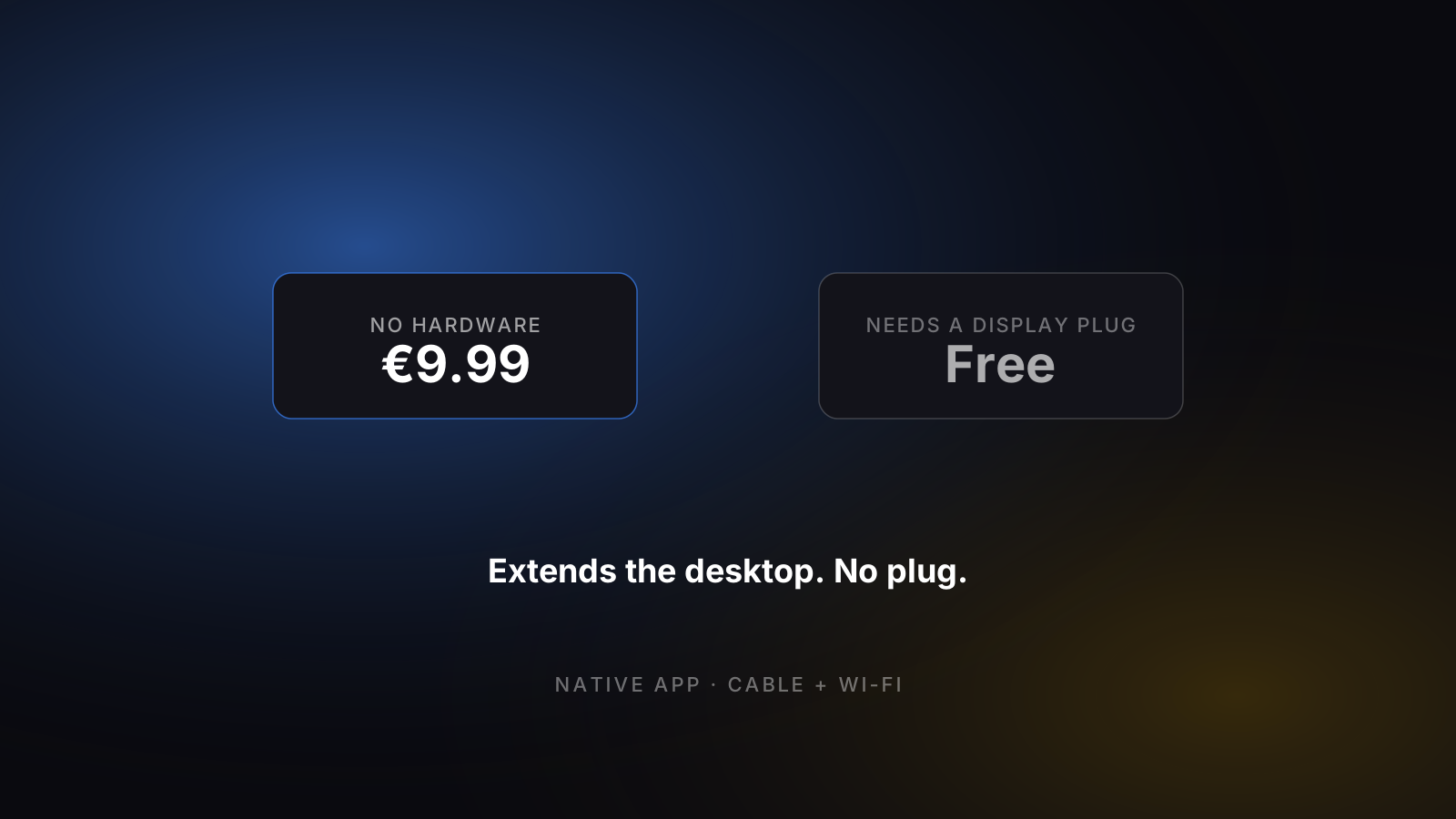
Deskreen is a free, open-source app that shows your computer screen in the web browser of any device on the same Wi-Fi. To extend the desktop, and not only mirror it, Deskreen needs a Virtual Display Adapter plug. Lightspan extends a Mac to an iPad with no hardware, for €9.99 once.
What is Deskreen?
Deskreen is a desktop app by Pavlo Buidenkov that turns any device with a web browser into a screen for your computer over Wi-Fi. Nothing is installed on the iPad: you open a web page.
- What it costs
- The Community edition is free and open source (AGPL-3.0). There are paid plans: Pro at $24.99 a year and Teams at $139.99 a year.
- What it runs on
- The app runs on macOS, Windows and Linux. The viewing device is anything with a web browser: an iPad, an Android tablet, a phone, another laptop.
- How it connects
- Over Wi-Fi on the local network; Deskreen says it also works with no Internet connection. It streams the screen to the browser with WebRTC.
- Second screen or mirror?
- It mirrors the whole screen or shares one app window. For a true extended desktop, deskreen.com says Deskreen "should be used with Virtual Display Adapter", a small plug for a display port that you buy separately.
- Is Deskreen safe?
- Deskreen says it uses end-to-end encryption, and its source code is public on GitHub, so it can be inspected. We have not audited it.
- Is it still updated?
- Yes. Version 3.2.16 was released on 8 July 2026.
Checked on deskreen.com on 8 October 2026. Prices in detail.
The honest comparison.
Cyan = clear winner on that row. Plain text = roughly tied.
| Feature | Lightspan | Deskreen |
|---|---|---|
| Price | €9.99 one-time | Free (Community); Pro $24.99 / year |
| Pricing model | Pay once, owned forever | Free and open source, with paid yearly plans |
| Connection | Wi-Fi + USB-C cable | Wi-Fi, in a web browser |
| Apple ID required? | No | No |
| Latency | 40–60 ms (cable / clean Wi-Fi) | ~120–180 ms on clean Wi-Fi (our measurement) |
| Multiple iPads | One per Mac | Several devices at once |
| Direct download | Mac app (.dmg) | Desktop app for Mac, Windows, Linux |
| iPadOS minimum | iPadOS 16+ | No app needed — a web browser |
| Status | Active, indie support | Active — v3.2.16, 8 July 2026 |
| Extends the desktop without extra hardware | Yes | No — needs a Virtual Display Adapter; mirrors without one |
| Windows PC as the computer | No — Mac only | Yes — Windows and Linux too |
What Lightspan does better.
- Extends the Mac desktop with no hardware. Deskreen needs a Virtual Display Adapter plug for that; without one it mirrors.
- Lower delay: 40–60 ms against about 120–180 ms for Deskreen on clean Wi-Fi in our test.
- A direct USB-C cable connection. Deskreen describes itself as working over Wi-Fi.
- Sound is sent to the iPad. Deskreen's FAQ files audio streaming under future features.
Where it’s the better pick.
- Free and open source (AGPL-3.0): anyone can read the code.
- Works with Windows and Linux computers as well as Macs.
- Any device with a web browser can be the screen, with no app to install on it.
- Several devices can show the screen at the same time.
- Can share a single app window, which suits presenting.
Which one's right for you?
If you want to pay nothing, need Windows or Linux, or want to show a screen on whatever device is at hand, Deskreen is a good tool, and for mirroring or presenting it needs no extras. If you want an iPad as a real second monitor for a Mac, with the desktop extended, a short delay and no plug to buy, choose Lightspan.
Is Deskreen free?
Yes: the Community edition is free and open source. Deskreen also sells paid plans with more features. The prices below are per year, as shown on deskreen.com.
- Community Free
- Open source under AGPL-3.0. Shares the entire screen or a single app window.
- Pro $24.99 / year
- Up to 5 connected devices, access via deskreen.local, dark theme and advanced viewer controls, trusted devices. Listed as 30% off $35.88.
- Teams $139.99 / year
- Unlimited connected devices, team seats (3 included, $10 for each extra seat), switching streams without reconnecting, priority support. Listed as 22% off $179.88.
- Custom On request
- Enterprise and education licensing, custom branding.
Deskreen also offers monthly billing; we read only the yearly prices. A Virtual Display Adapter, needed to extend the desktop, is hardware bought separately and not included in any plan. Lightspan is €9.99 once and needs no adapter.
Checked on deskreen.com on 8 October 2026. Source: Deskreen's own pricing.
Lightspan still right for you?
€9.99 once on the App Store.