
spacedesk for Mac and iPad, and Lightspan
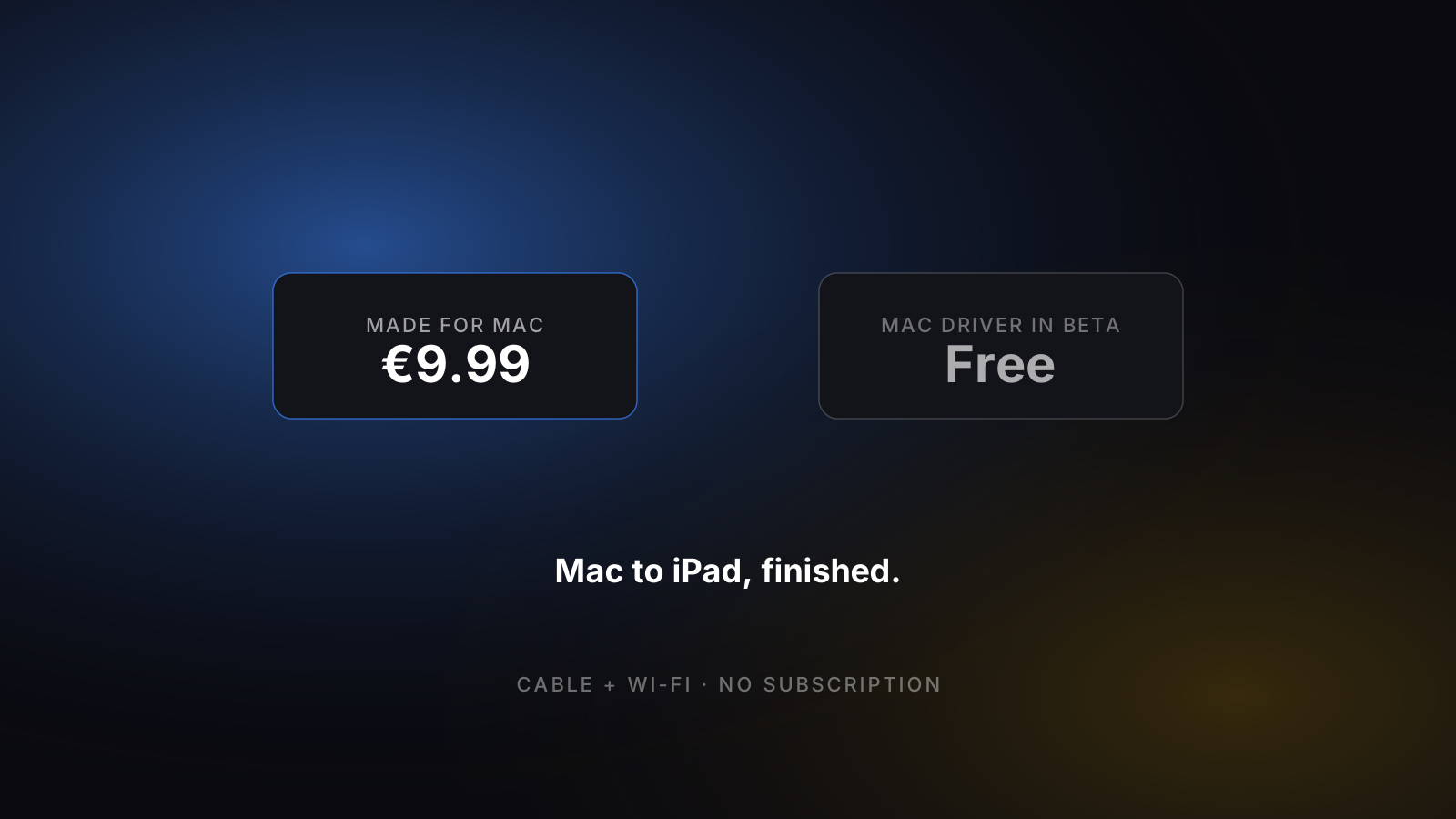
spacedesk is free software that turns an iPad, tablet or phone into an extra display, built for Windows PCs. There has been a driver for the Mac since September 2026, as a beta. Lightspan does one thing: it extends a Mac to an iPad, for €9.99 once.
spacedesk for Mac: what it does today
spacedesk, by datronicsoft from Augsburg, Germany, has two parts: a driver on the computer whose screen is extended (the "primary machine") and a viewer app on the device that becomes the display. Almost everything spacedesk publishes describes a Windows primary machine.
- Can a Mac be the primary machine?
- Yes, with the beta driver. spacedesk.net offers an "Apple MAC Driver", version BETA 1.0.03, for macOS 14.4 or later; the first Mac beta is listed for September 2026. The manual says it can mirror the main display or extend it. The App Store listing of the iPad viewer still says "Apple Macs are not supported".
- spacedesk for iPad
- The viewer app for iPad and iPhone needs iOS 9.3 or later. Version 2.1.6 was released on 3 August 2026. There are also viewers for Android, Windows and web browsers (HTML5).
- What it costs
- Free for private, non-commercial use. Businesses buy a licence inside the viewer app, from $19.00 for one connection.
- How it connects
- Wi-Fi, LAN or USB cable, without an Internet connection. The manual describes the USB connection to an iPad for a Windows PC (it needs iTunes on the PC); spacedesk does not say whether USB works with the Mac beta.
- Is spacedesk safe?
- spacedesk runs on your local network and its App Store listing says it does not need an Internet connection. Password protection and encryption are an option that you switch on in the Windows driver; spacedesk does not say whether the Mac beta has it. We have not audited it.
- Is it still updated?
- Yes. The Windows driver 2.2.33 is listed for September 2026, the same month as the first Mac beta.
Checked on spacedesk.net and the App Store on 8 October 2026. Prices in detail.
The honest comparison.
Cyan = clear winner on that row. Plain text = roughly tied.
| Feature | Lightspan | spacedesk |
|---|---|---|
| Price | €9.99 one-time | Free for private use; business licence from $19 |
| Pricing model | Pay once, owned forever | Free non-commercial licence; paid business licence |
| Connection | Wi-Fi + USB-C cable | Wi-Fi, LAN, USB (USB to an iPad: documented for Windows) |
| Latency | 40–60 ms (cable / clean Wi-Fi) | Not measured by us |
| Touch support | Yes — display only | Yes with a Windows PC; not stated for the Mac beta |
| Apple Pencil | Display only | Stylus pen with a Windows PC; not stated for the Mac beta |
| Audio forwarding | Not yet — video only | Over the network with a Windows PC; not stated for the Mac beta |
| Multiple iPads | One per Mac | Up to 16 displays with a Windows PC |
| Direct download | Mac app (.dmg) | Mac driver (.dmg, beta); Windows driver (.msi) |
| iPadOS minimum | iPadOS 16+ | iOS 9.3+ |
| macOS minimum | macOS 14.2 Sonoma+ | macOS 14.4+ (beta driver) |
| Status | Active, indie support | Active; Mac driver in beta since September 2026 |
| Windows PC as the computer | No — Mac only | Yes — Windows 10 and 11 |
What Lightspan does better.
- Made for the Mac. On spacedesk the Mac driver is a beta, and its features on the Mac are mostly undocumented so far.
- The cable connection and sound on the iPad are documented for the Mac. spacedesk documents them for Windows so far.
- One licence for everyone: €9.99, with no separate business licence and no licence expiry date.
Where it’s the better pick.
- Free for private use.
- Works with a Windows PC, which Lightspan does not. On Windows it is a finished product, not a beta.
- Viewers for Android, Windows and web browsers as well as iPad and iPhone.
- Runs on old iPads: iOS 9.3 or later.
- With a Windows PC: touch, stylus pen and up to 16 extra displays.
Which one's right for you?
If your computer is a Windows PC, use spacedesk: it is free for private use and Lightspan does not run on Windows. If your computer is a Mac, you can try the spacedesk beta at no cost, as long as you accept beta software. If you want something finished for a Mac and an iPad, use Sidecar when both share an Apple Account, and Lightspan when they do not.
Is spacedesk free?
For private use, yes. spacedesk has two licences for its viewer apps; the driver on the computer is a free download in both cases.
- Non-commercial private licence Free
- Same features as the paid licence except the network-connected keyboard. It has an expiry date, shown in the driver console; after that you install a newer driver version.
- Commercial business licence From $19.00 (one connection)
- An in-app purchase in the viewer app, with no expiry. The US App Store lists $19.00 for one connection and $79.00 for 2 to 5 connections, with further tiers up to 50.
The prices are those of the iPad and iPhone viewer in the US App Store; the German App Store lists €23.00 and €84.00 for the same two tiers. Prices in the Android and Windows stores were not checked. Lightspan is €9.99 once, for private and business use alike.
Checked on spacedesk.net and the App Store on 8 October 2026. Source: spacedesk's licensing page.
See also:
Lightspan still right for you?
€9.99 once on the App Store.